


Twitch is one of the most popular platforms for live performances. Although it focuses on video game streaming, the truth is that it has also gained popularity in other sectors: from journalism to gastronomy. Many communicators and influencers use it to give talks, advice and share a space with their followers.
1. Complete the profile
The first step to start on this platform is to establish a complete profile detailing, among other things, a basic description of the profile or user so that the future audience knows what to expect. It is also important to establish a profile photo, and data from other social networks where to follow the news.
2. Be constant
This is a tip that applies to Twitch as well as any other social network. Building an audience takes time, effort and perseverance. It is necessary for the user to establish a minimum number of live shows that he will do per week and sustain that frequency. It is not possible to grow in this market if there is no regular contact with the audience. Weekly planning can be of great help to achieve this goal.

3. Work in a team
This is key to Twitch and to life, in general. One person alone cannot absorb all tasks. Therefore, it is best to combine efforts to go further. Thus, for example, it would be advisable to collaborate with another streamer once a week or every fortnight. They could, for example, share a game and comment on it.
It is also advisable to appoint one or two moderators who are responsible for organizing the channel, as there are often users who attack or send spam. Moderators or mods have the task of bringing order, and for that they answer questions, set priorities and expel those who seek to generate discord.
4. Make use of Bits

The platform offers a digital token called Bits and is used to send messages, with emojis, in the chat. Those messages, which differ from the rest and are paid are called Cheers. Streamers who are part of the affiliate program receive a penny dollar per bit that can be used within the platform or withdrawn in a variety of ways.
5. Add third-party services
Twitch allows you to add several applications that can be useful to incorporate functions. It is possible, for example, to use Social Media Popup, to share the user's profile on other social networks; or KapChat to capture the chat.
6. Broadcast games
Not only can Twitch be useful for streaming PC games, but it also offers the option to stream from Xbox One and PS4. On both platforms, this option is accessed from the Settings menu.
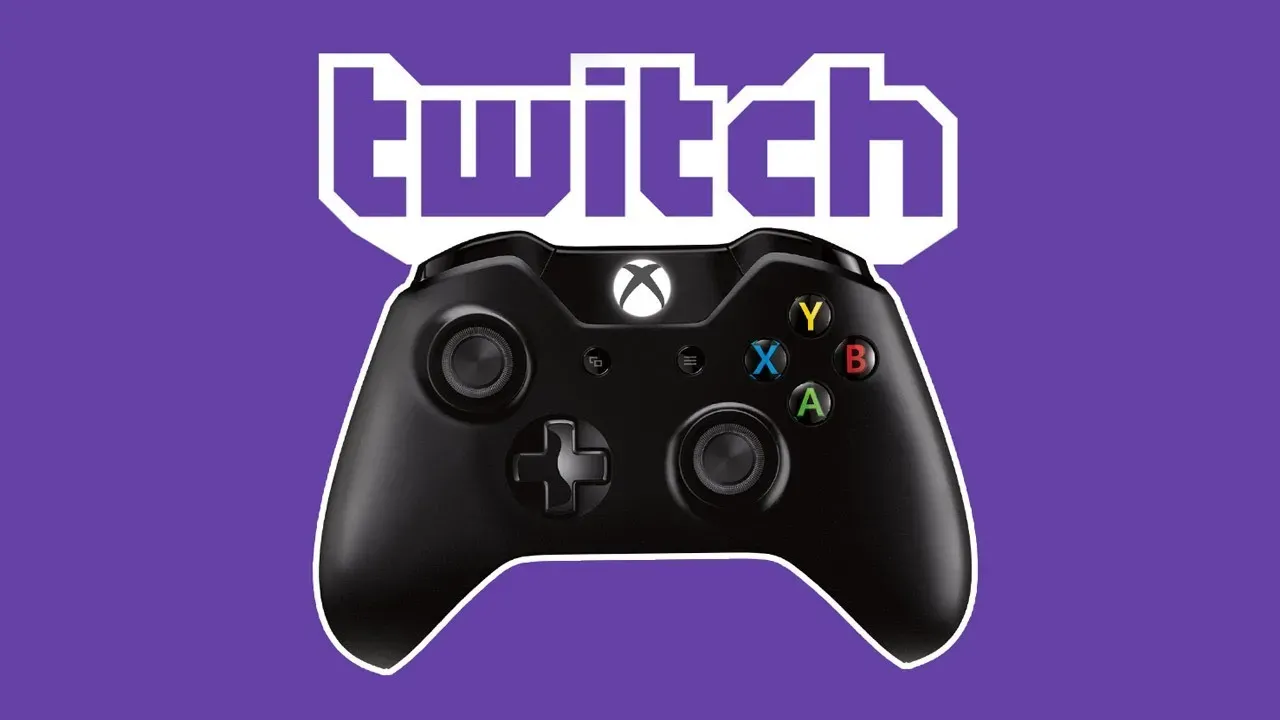
Another point to keep in mind when choosing which games to stream. Usually the most popular titles tend to attract more audience. It is not the same to choose Apex Lengends or Fall Guys, which has a large number of users to opt for an indie title.
7. Analyze content
The Channel Analytics page provides detailed information about the revenue, viewers, and engagement statistics that are recorded in the account. This is very important for streamers to be able to understand their audience and therefore develop strategies that help them focus efforts on increasing their reach to the public.
To go to Channel Analysis, click Data and then Channel Analysis via the control panel icon. By default, the Channel Analytics page displays data for the past 30 days, but you can modify that time frame and choose a custom interval.
KEEP READING:
Últimas Noticias
Debanhi Escobar: they secured the motel where she was found lifeless in a cistern
Members of the Specialized Prosecutor's Office in Nuevo León secured the Nueva Castilla Motel as part of the investigations into the case

The oldest person in the world died at the age of 119
Kane Tanaka lived in Japan. She was born six months earlier than George Orwell, the same year that the Wright brothers first flew, and Marie Curie became the first woman to win a Nobel Prize

Macabre find in CDMX: they left a body bagged and tied in a taxi
The body was left in the back seats of the car. It was covered with black bags and tied with industrial tape

The eagles of America will face Manchester City in a duel of legends. Here are the details
The top Mexican football champion will play a match with Pep Guardiola's squad in the Lone Star Cup

Why is it good to bring dogs out to know the world when they are puppies
A so-called protection against the spread of diseases threatens the integral development of dogs


